
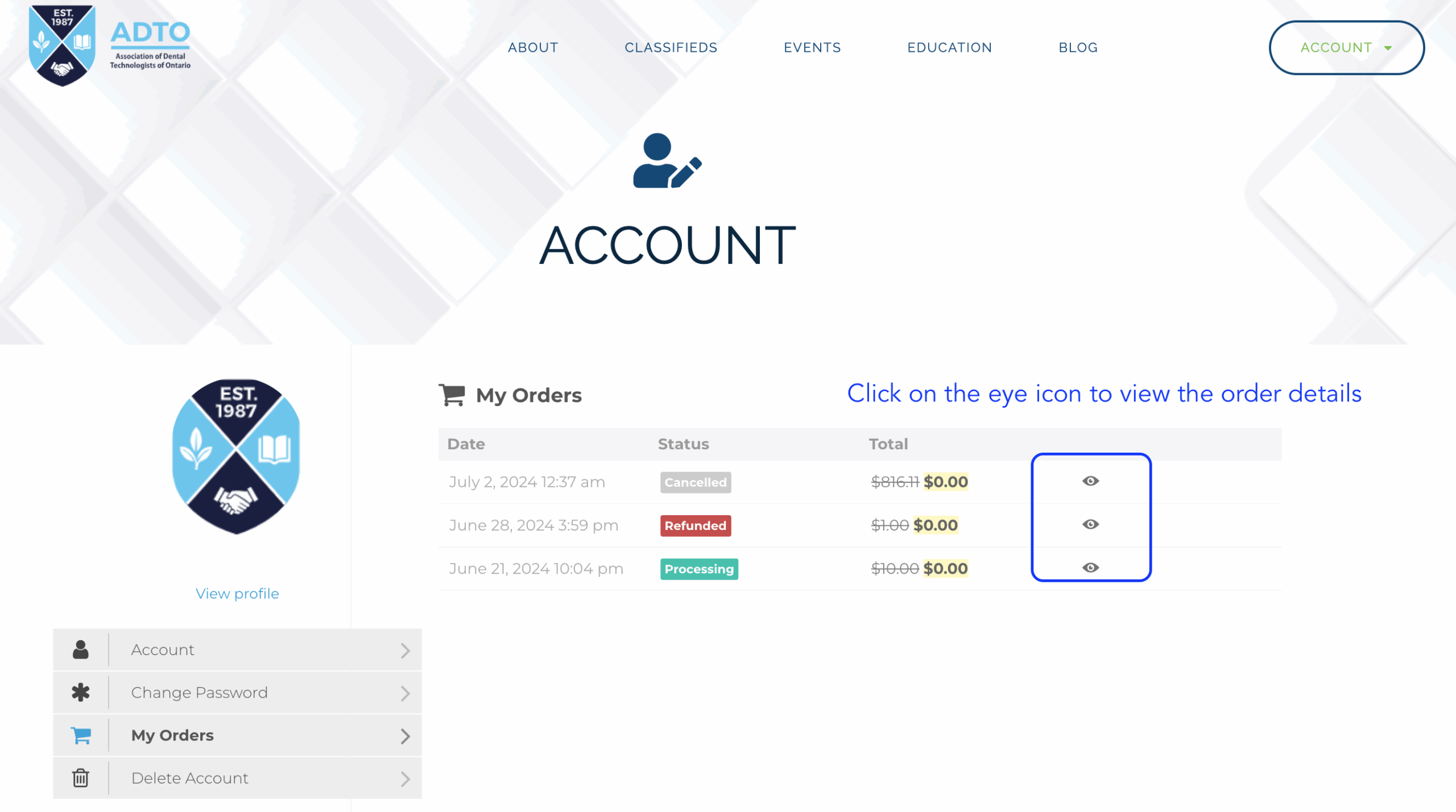
After logging in, hover over the Account menu button at the top right of your page.

For past receipts, click on Orders. Click on the eye icon to view the order details.
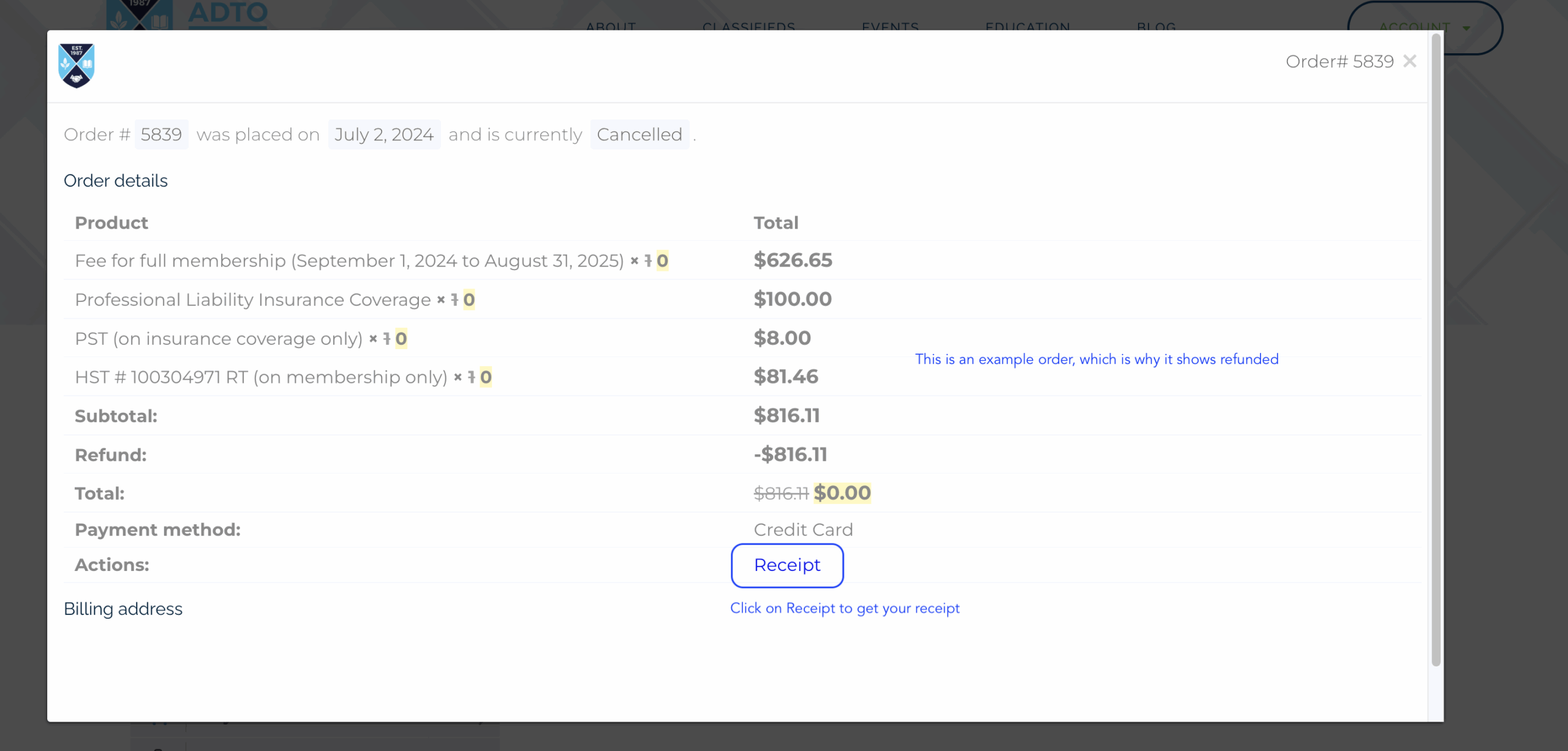
This will bring up your order. Click on the Receipt. This will download/open your receipt pdf which you can save/print as needed.