

After logging in, hover over the Account menu button at the top right of your page.
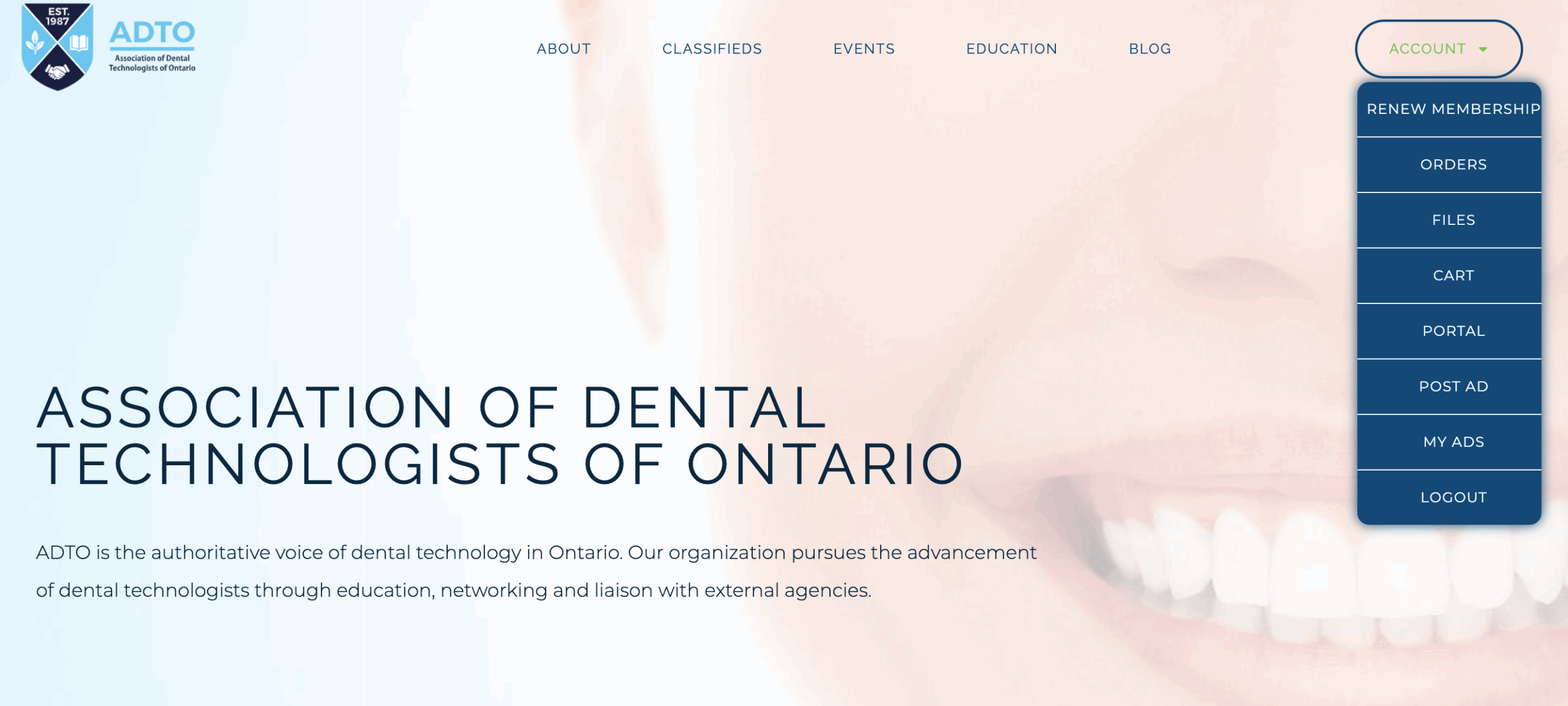
Click on Files.
You will arrive at your file list where you can expand folders to see files shared with you.
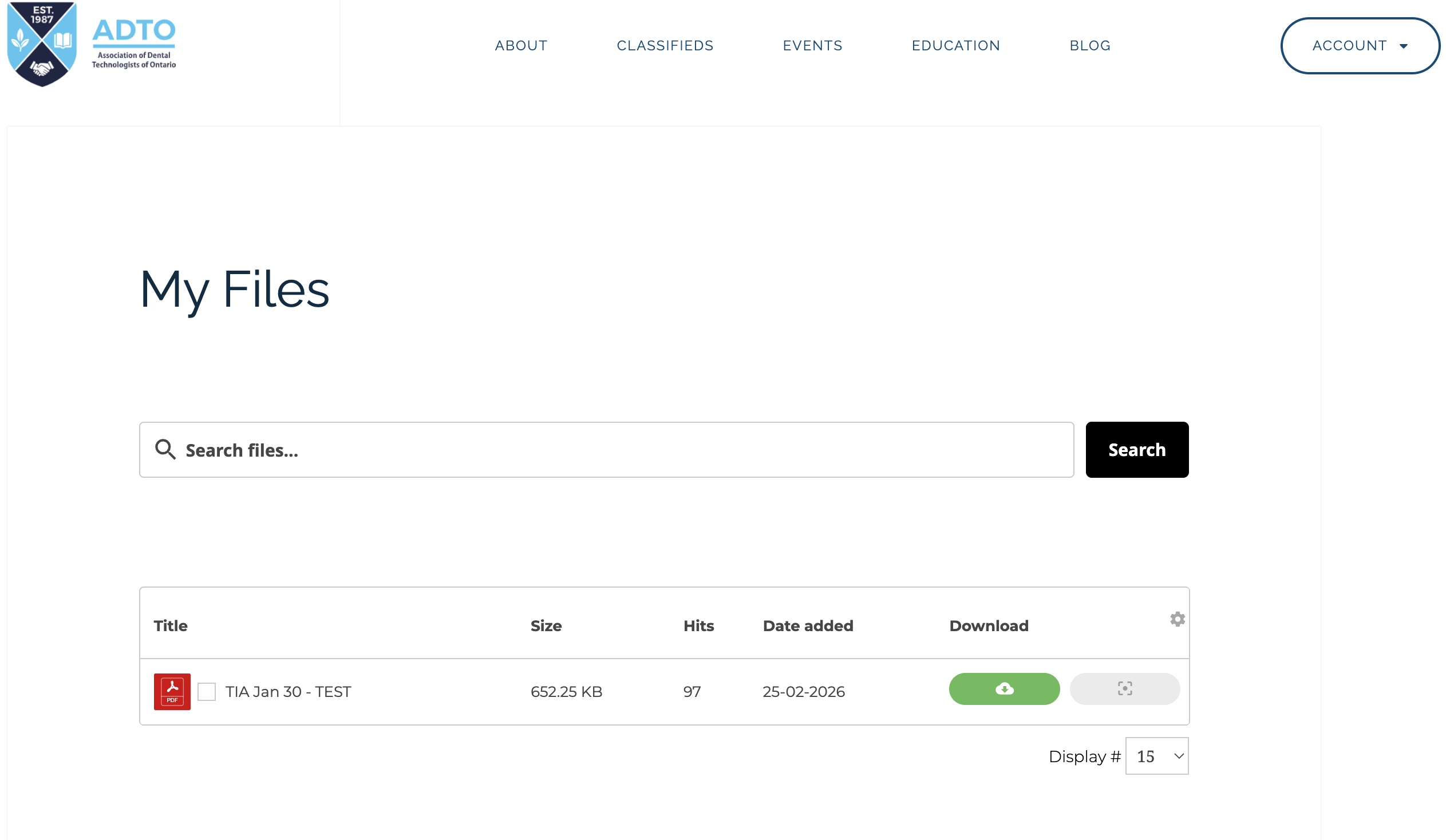
Click the green button to download. Click the grey button to open the file in a new tab.