

President’s Letter 2026
To help us prioritize these initiatives and develop programs that truly benefit our members, we invite you to participate in our member survey. Your input will provide valuable insight into the challenges, opportunities, and support needs within our profession.
View the president’s letter here.
Renew Online
1 – Login to your account. Go to https://adto.ca and click the Login button. Complete your login.
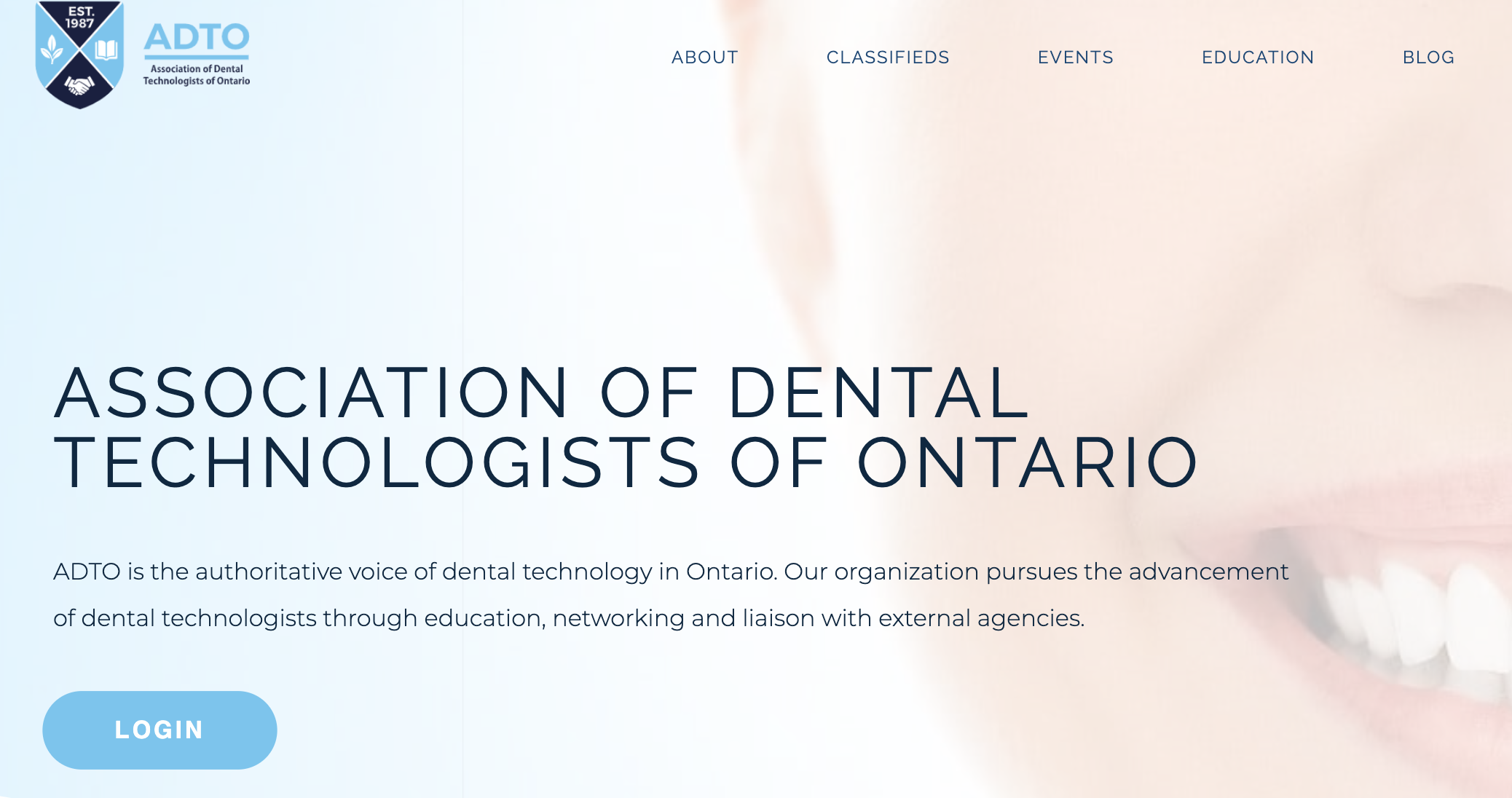
2 – Click here to renew Membership (opens new tab).
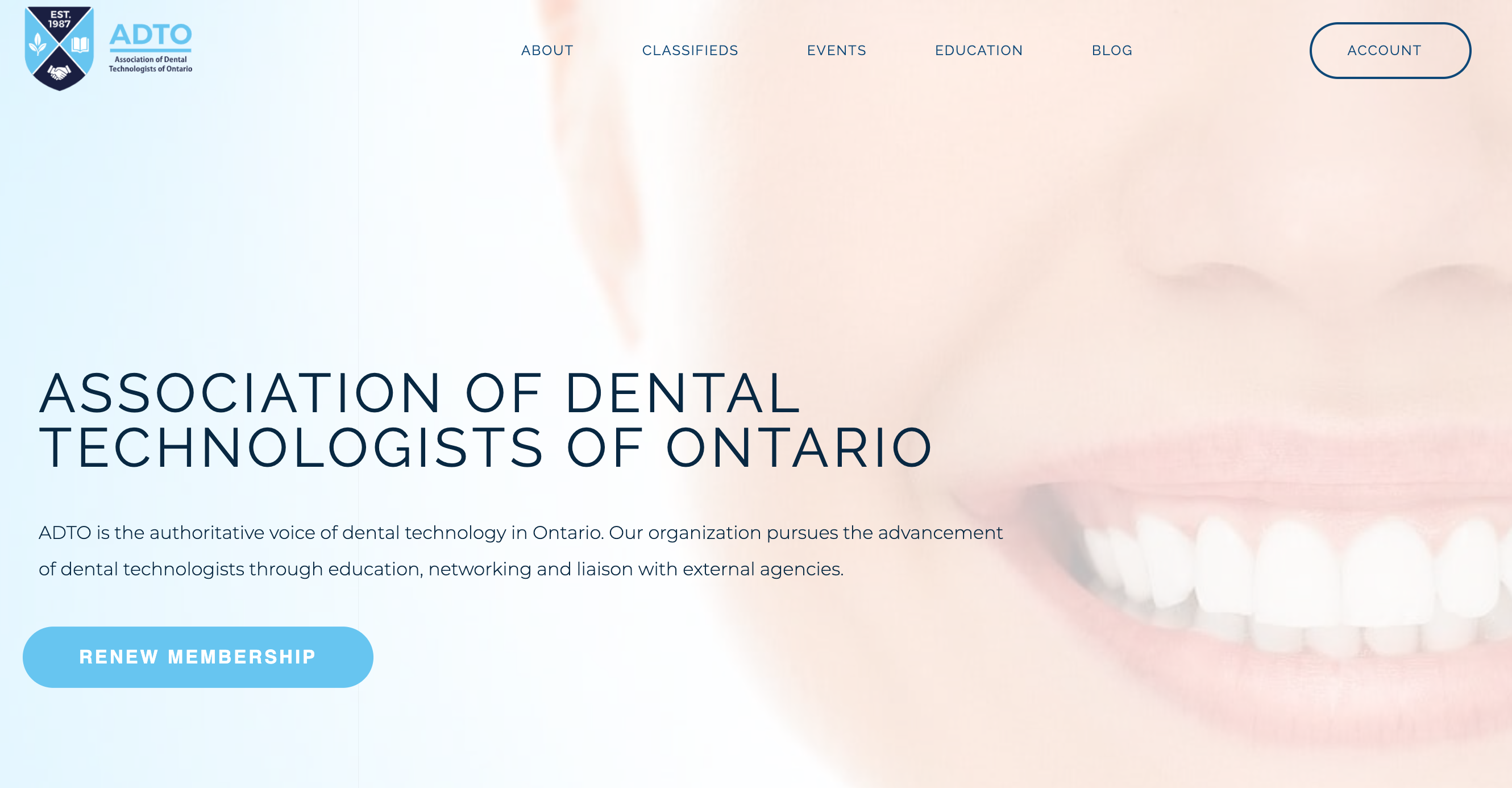
Alternatively, you can click the Renew Membership button on the homepage as shown below.
3 – Click Add to Cart
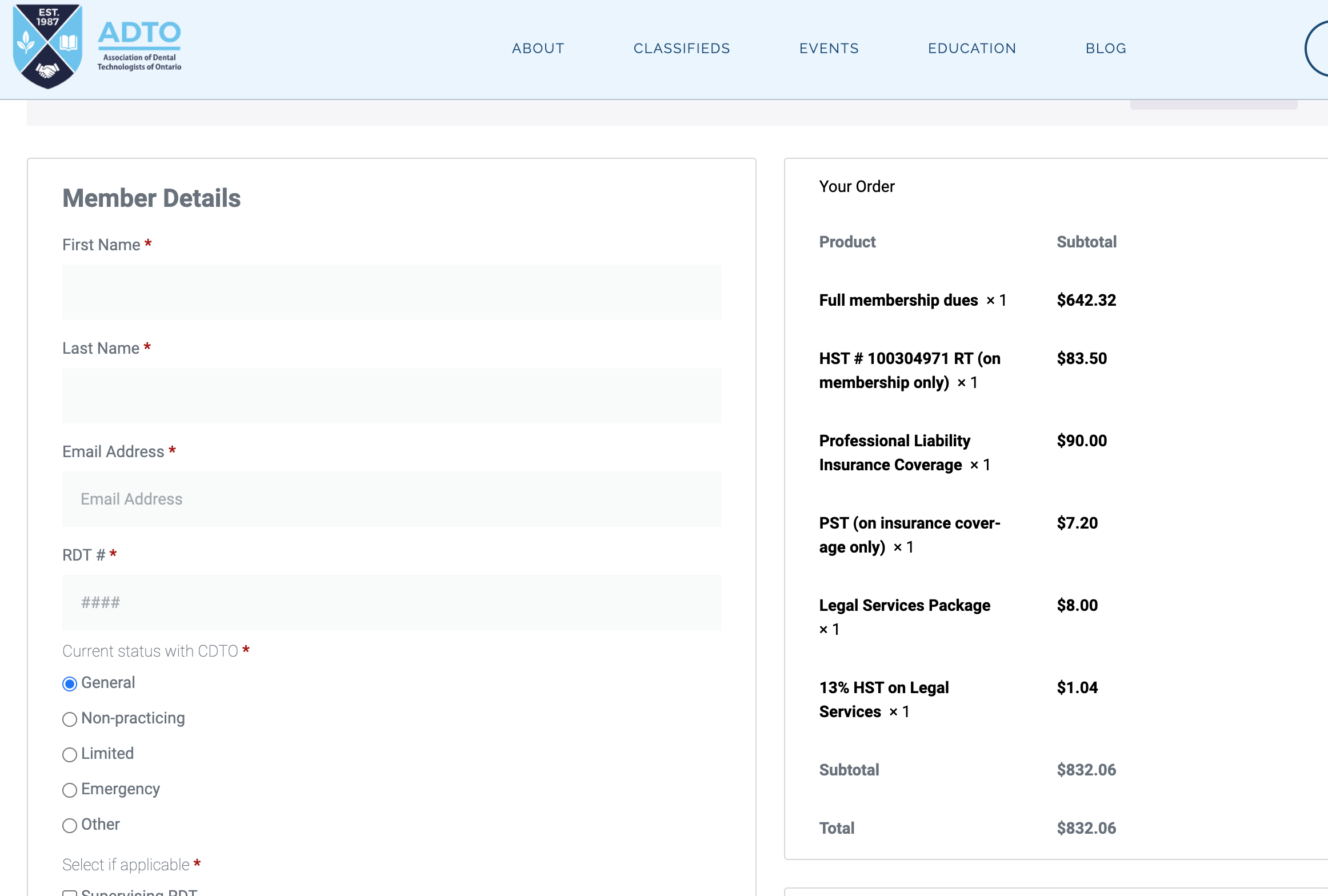
Upon clicking Add to Cart, you will arrive to the Checkout page. If the total is incorrect, reset the quantity. Click here for Insurance Coverage Overview.
4 – Fill in your details and complete your purchase
You will receive a receipt emailed to you (check spam if it’s missing).
You’ll receive your PLI certificate in approximately 5 business days after full payment.
Renew via Form
To renew via the form instead, you can download the Membership form and PLI Application form and email BOTH to info@adto.ca.
Access Your Certificate
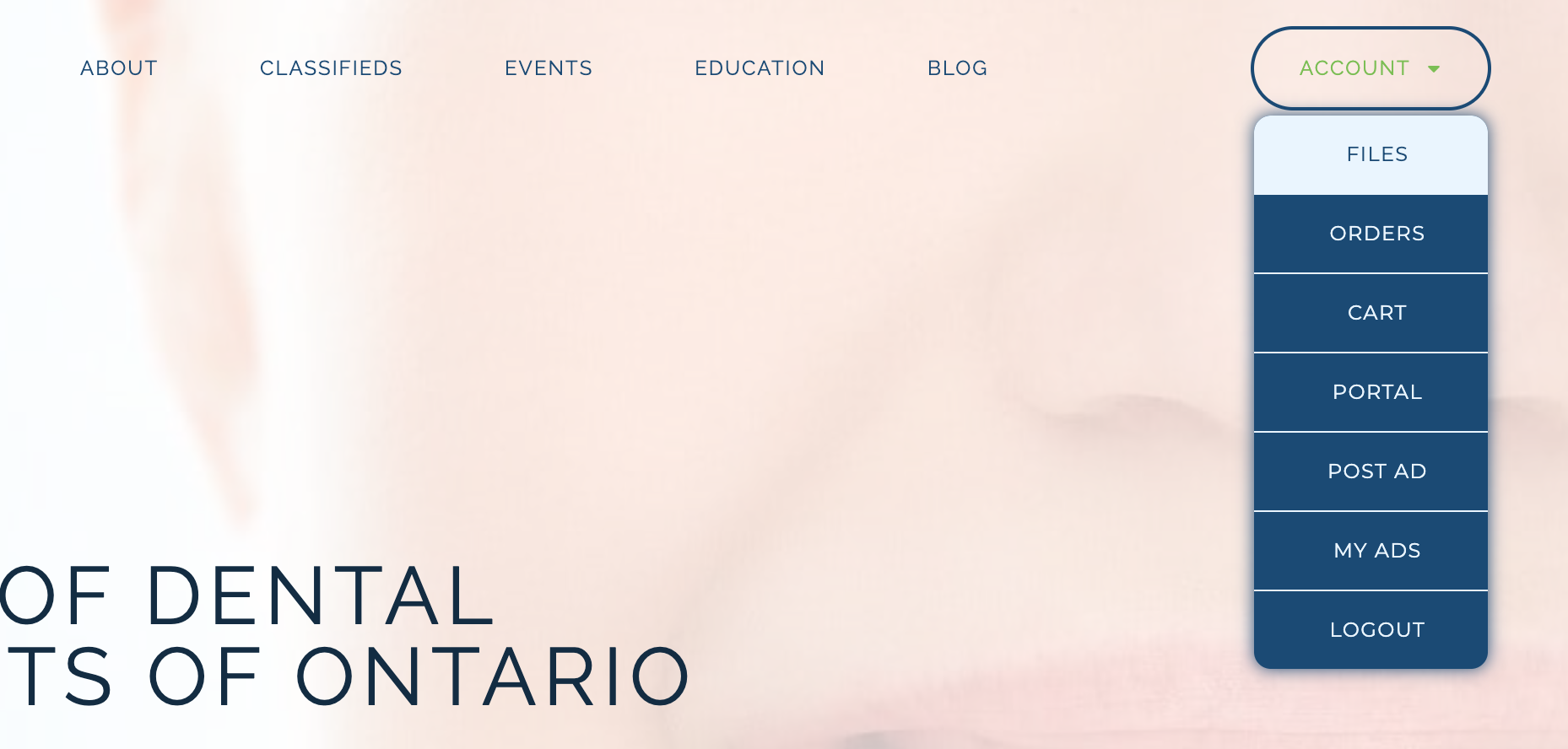
To view your certificate, go to Files. You can also find this by hovering over the Account button in the menu and clicking Files in the dropdown.
You will arrive at your file list where your files should automatically show. If you don’t see anything, click the Search button. If you have any difficulty, contact info@adto.ca.
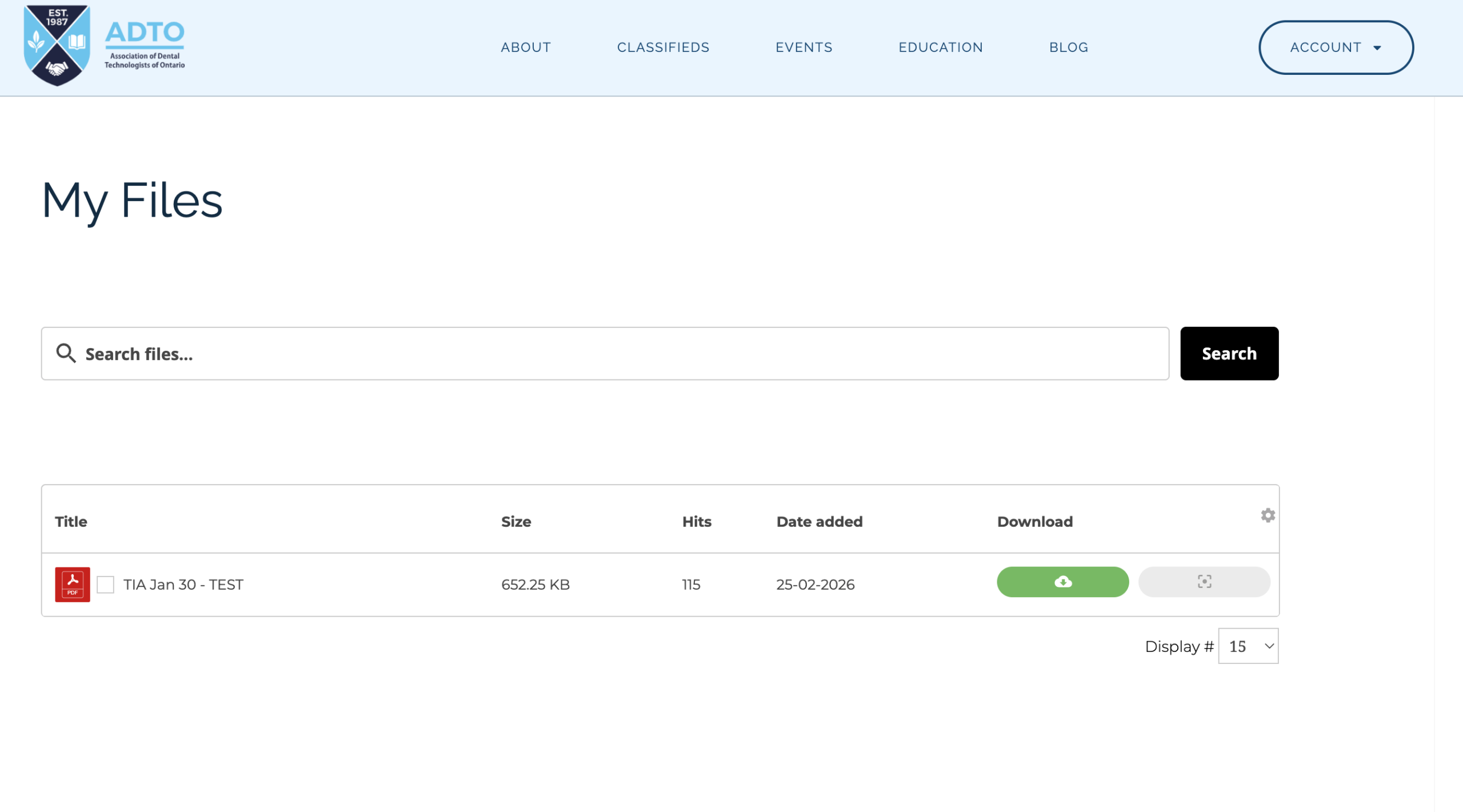
Click the green button to download your file(s).